Waveform
Component type
module
Categories
Component created
Component changed
Create a waveform from an MP3 or WAV file.
Create a waveform from an MP3 or WAV file.
Building a Views Style that renders fields using GraphViz. Just the roughest beginning for now.
Initial style: uses "dot" to provide a flow-chart type of view. Each field will be rendered as a graphviz node, unless combined with another field. Fields can be combined in the graphviz style settings (using same pattern as the table style) to make subgraphs or records.
Each row will have its fields de-duplicated across rows.
Basically if you add fields from related nodes, you'll be able to see which nodes interact with other nodes.
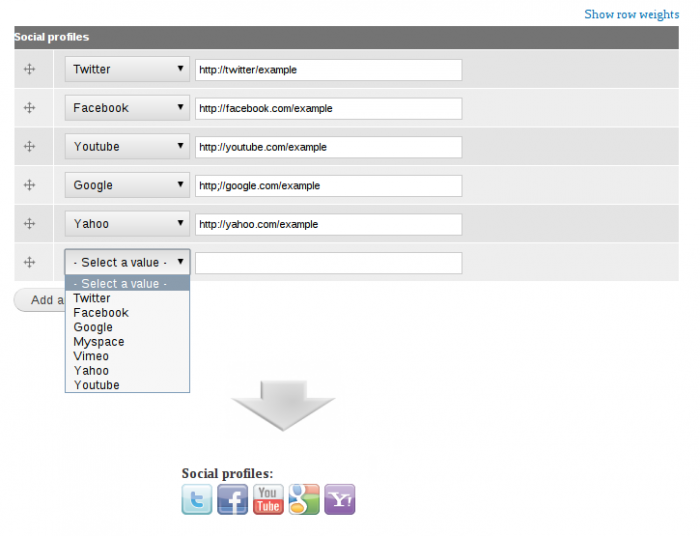
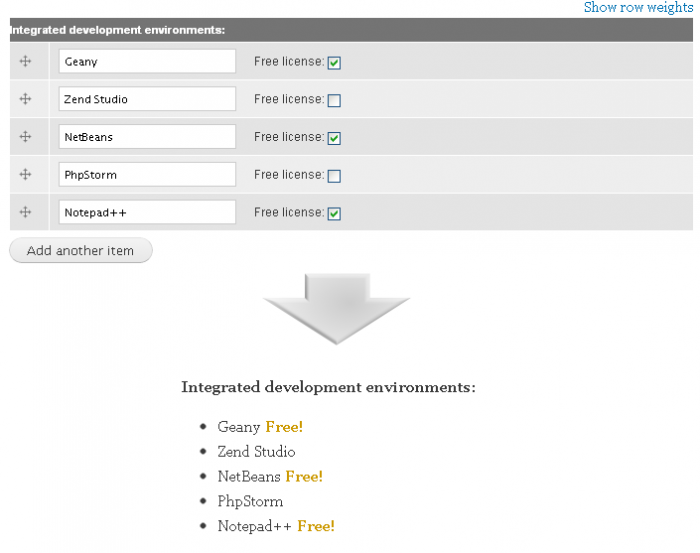
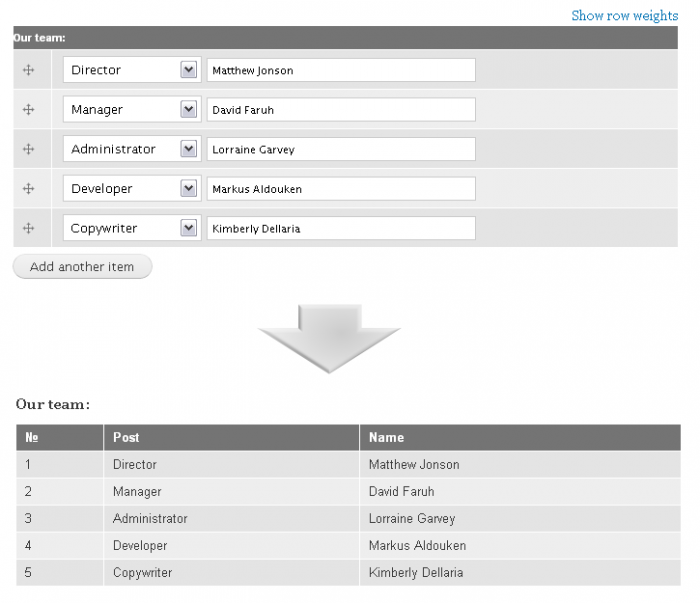
Double field is a small module written to provide extensions to Drupal's core Fields. By this module you can split your fields up into two separate parts.
For the moment it includes the following sub-field types:
This module allows loading menu item targets (the page a menu item links to) in a modal frame (a window that loads over the top of the current page).
For example, you could set a settings or poll page to load in a modal frame/window so that the user is not taken away from the page they're currently viewing when they click on the menu link for the settings or poll page.
Extra configuration items are added to menu item editing forms:
A flexible and simple to use module to take care of important SEO tweaks to allow Drupal Projects to comply with Search Engine best practices.
Wysiwyg plugin to easily insert YouTube and Vimeo video's into content.
This module permits the administrator to show a node in a lightwindow2 popup window
The administrator defines
which page will show the popup
The visitor opens the page and the popup loads automagically.
This module depends on the lightbox2 project
This simple module provides sorting functionality for comments. It is possible to configure sort order (newer or older first) per node type, using the "Comment settings" tab in node type administration page.
The User Intro module allows the administrator to present a piece of 'welcome' or 'introduction' content (via a template). This template is displayed upon the user's first login, and is hidden on subsequent logins, but can be manually displayed when the user clicks a trigger. Visibility is also controlled from the user profiles (/user/###/edit), allowing users to disable the intro altogether.
Please read the bundled README.txt for setup instructions - you'll need to add two variables to your page template.
Provides multiple title field, image title logo and field for entering CSS class of title displayed as menu item.